Edge Ai Hardware for OpenClaw
A practical guide to edge AI hardware. ClawBox helps you put AI to work from hardware you own, with OpenClaw pre-installed on NVIDIA Jetson Orin Nano.
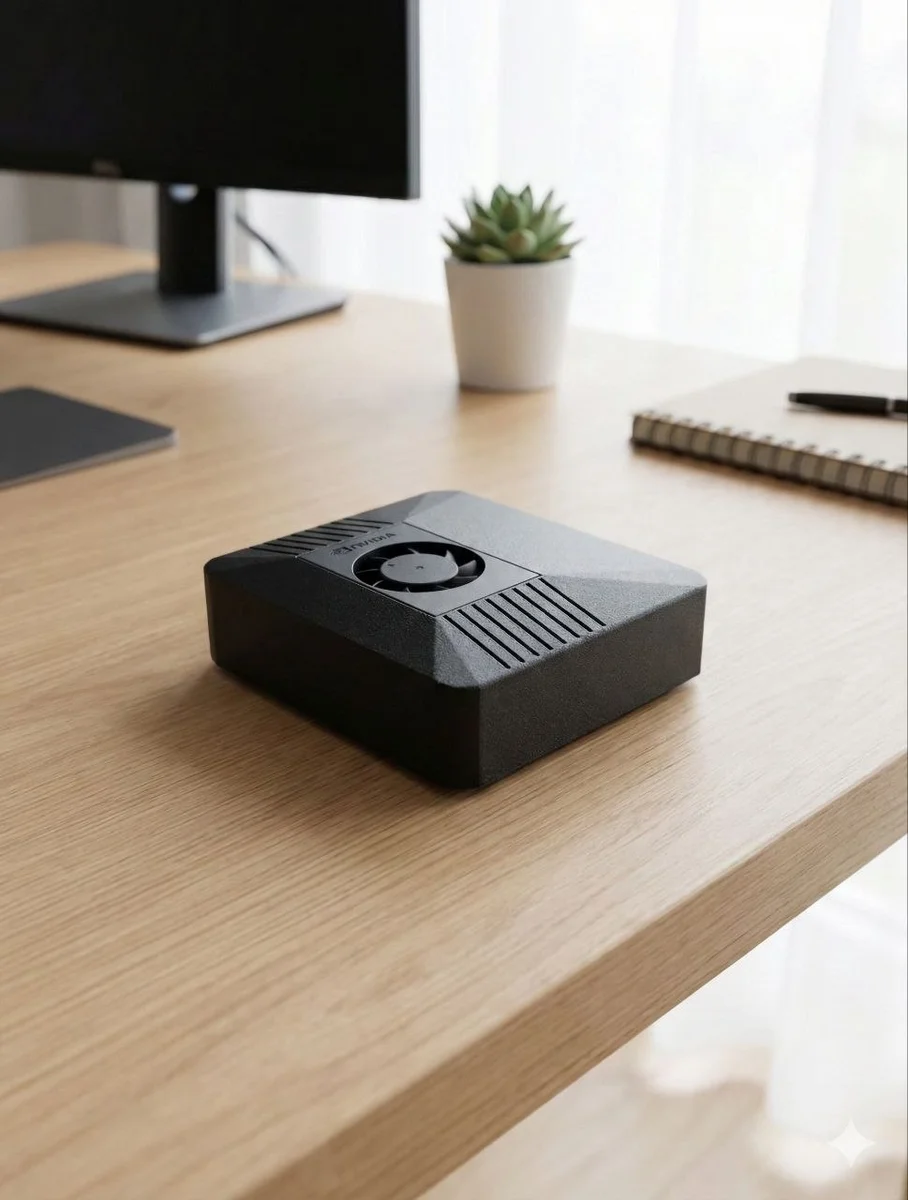
Why local edge inference needs dedicated hardware
Many AI workflows start on a laptop, then become daily infrastructure: browser automation, messaging, research, file work, voice tasks, and background agents. A dedicated box keeps those workflows available without tying them to your main computer.
Always available
ClawBox is designed to sit on your network and stay ready for Telegram, WhatsApp, Discord, and browser-driven tasks.
Local-first
OpenClaw runs from your own device. You can use local models where practical and connect cloud providers only when a workflow needs them.
Pre-configured
The point is not another weekend build. It arrives with OpenClaw installed so the work starts at setup, not assembly.
What to check before buying
| Question | What matters | ClawBox answer |
|---|---|---|
| Can it run all day? | Power, cooling, and stable storage | Compact Jetson-based system with NVMe storage |
| Is setup realistic? | Drivers, containers, accounts, and remote access | OpenClaw is installed and ready for guided setup |
| Can it automate real work? | Browser sessions, messaging, and task persistence | Built for browser and workflow automation from a dedicated device |
| Who owns the box? | Control, portability, and long-term independence | You own the hardware and choose the AI services you connect |
Good fits for ClawBox
- Teams that want a stable OpenClaw node instead of a fragile laptop setup.
- Developers testing local-first AI agents and browser workflows.
- Home or office users who want a dedicated assistant on hardware they own.
- Privacy-sensitive workflows where local control and clear boundaries matter.